Brands have been chasing “right message, right moment, right person” for years. Most of them have the data to do it. Most of them even have the platforms. What they’ve been missing is the operational layer that connects those things into something that actually works at scale.
BrazeAI Decisioning Studio™ is built to be that layer.
What makes Decisioning Studio Different
Most personalization tools rely on static rules or manual A/B tests. You define the variants, run the test, pick a winner, and repeat. It’s slow, it only learns as fast as your team iterates, and the decisions accumulate in silos.
Decisioning Studio uses reinforcement learning — a type of AI that learns continuously from live campaign data — to automatically find the right combination of message, offer, timing, and channel for each customer. It doesn’t just run tests. It learns what works for each individual and adjusts accordingly, across an entire lifecycle program, simultaneously. And because it’s built composably, it integrates with your existing stack: Salesforce, Adobe, Iterable, Databricks, Snowflake, Segment, and others.
One clarification worth making, because it comes up often: decisioning agents and Braze Agents are not the same thing. Braze Agents work at individual touchpoints — discrete tasks inside a campaign. Decisioning agents orchestrate whole programs. They run experiments continuously across a full lifecycle, learn from results, and improve over time. The scope is fundamentally different.
What that means in practice: once Decisioning Studio is running well, the system is doing the optimization work your team used to do manually. Your team focuses on strategy and creative direction. The model handles the permutations.
Here’s what that shift looks like in practice:
| BEFORE DECISIONING STUDIO | AFTER DECISIONING STUDIO | |
| For your team | Static campaigns, manual A/B tests, slow iteration, incremental results | AI-driven experiments running simultaneously across offer, timing, and message — with continuous optimization |
| Campaign velocity | Multiple weeks per test cycle | Near-real-time learning across variants |
| Team Bandwidth | Stretched across execution logistics | Freed up for strategy and creative direction |
| For your customers | Generic offers, bad timing, message fatigue | Personalized offers based on actual behavior — delivered when they’re most likely to respond |
| Customer experience | Loyal customers treated the same as bargain hunters | Messaging that reflects individual preferences, not segment averages |
Are You Ready for Decisioning Studio?
We’re candid with clients about this one: Decisioning Studio isn’t for everyone, and it’s not where most organizations should start. The teams it’s right for have done the foundational work — clean data, defined conversion events, enough audience volume for the models to learn from. They’ve moved past “send the right message” and are focused on “optimize the right outcome” at a program level. Retention, loyalty, and high-frequency lifecycle programs tend to be the best fit.
So, be honest about where you are. This tool rewards teams that are ready for it and penalizes teams that aren’t.
You’re probably ready if:
- You have clearly defined CRM goals and measurable KPIs
- You can send clean, real-time or near-real-time event and conversion data to your MAP
- You’re running campaigns with multiple variables worth testing — discounts, timing, subject lines, channel mix
- Your customer journeys are complex enough that manual A/B testing is a real bottleneck
- Marketing ops, CRM, creative, and data teams can actually collaborate — not just in theory
- You have budget for either self-serve or full-service experimentation, and the team to support it
You’re probably not ready yet if:
- Your data hygiene is shaky — inconsistent event tracking, low-quality behavioral data, or limited data access
- You don’t have cross-functional buy-in from data or engineering
- Your campaign cadence is still inconsistent or your core metrics aren’t stable
- Your team doesn’t have the bandwidth to manage guardrails, QA, and ongoing maintenance
- Legal or compliance constraints would significantly limit what you can test
If that second list sounds familiar, don’t try to shortcut it. The foundation has to come first. We can help you get there — but it’s worth knowing where you actually stand before you scope the project.
6 Things to Do Before You Go Live
1. Get clear on what you’re actually trying to optimize
Decisioning Studio can test a lot of things. That’s not a reason to test everything at once.
Start by picking use cases with clear, measurable impact — cart abandonment flows, reactivation campaigns, promotional offer testing. Then decide how you’ll use the self-serve platform (your team running experiments independently) versus the full-service managed approach (where the vendor supports the process). Both have a role. In our experience, the brands that see the best results use a blend — self-serve for continuous low-risk optimization like welcome flows, full-service for high-stakes journeys like winback.
Get your martech and creative partners aligned on this early. Decisioning Studio scales across your entire lifecycle, and that only works if everyone understands what they’re responsible for.
2. Define your guardrails before you touch a single variant
AI experimentation without boundaries can go sideways fast. Before you configure anything, write down what’s off-limits.
That means maximum discount levels, frequency caps per customer, channel restrictions, and offer budget floors. It also means defining send-time guardrails if there’s any latency between your data platform and your MAP — because timing-sensitive experiments don’t work well with stale data.
Build a QA and sign-off workflow for treatment variants before they go live. It sounds like overhead. It’s not. One bad variant in a high-volume campaign can do real brand damage, and a 30-minute review step is a lot cheaper than the recovery conversation.
3. Map the integration before you start building
Decisioning Studio is not a set-it-and-forget-it tool. The integration requires ongoing attention, and the people responsible for it need to know that upfront.
Map out exactly how data flows between your MAP/CEP and Decisioning Studio — who owns the connection, how updates get handled, what happens when something breaks. One thing that trips teams up: reinforcement learning needs a sustained testing period to work. If you’re changing variables constantly, the model never converges. Start with a well-scoped use case and give it room to learn.
Pull in Marketing Ops, Data Engineering, and your dev team early. Post-launch ownership needs to be defined before launch — not after the first anomaly.
4. Align on data and measurement before you set goals
Decisioning Studio learns from the data you feed it. If that data is incomplete, delayed, or misaligned with actual business outcomes, it’ll optimize toward the wrong things.
Confirm your stack can deliver the historical and real-time behavioral data the model needs — events, conversions, campaign sends. If real-time isn’t possible, understand your latency and whether something like Braze Currents can close the gap.
More importantly, define success clearly for each use case. Open rates and clicks for self-serve experiments. Revenue impact, LTV, and deeper conversion metrics for full-service. Get your analysts or marketing ops leads involved early to make sure the conversion models the machine is optimizing against are actually tied to your business goals.
5. Pressure-test your creative capacity
Decisioning Studio thrives on variety. The more distinct message variants, offer structures, and creative treatments you give it, the better its predictions become.
Before you go live, ask your creative team a hard question: can we actually produce and maintain the volume of variants this requires? Generating multiple treatments per campaign — and refreshing them as the model learns — takes real bandwidth. If capacity is already stretched, that problem gets worse under Decisioning, not better.
Build modular creative assets wherever you can — templates, dynamic content blocks, reusable design elements. If you’re consistently hitting a creative bottleneck, that’s worth solving before it becomes the constraint on your AI program.
6. Get Legal and Compliance Buy-In Early
Decisioning Studio operates at the customer level. That means individual-level data is moving between your systems and a vendor platform.
Loop in legal before you scope the implementation — not after. Review how data sharing aligns with GDPR, CCPA, and any sector-specific requirements you’re operating under. Confirm that every use case you’re planning respects opt-in status, suppression lists, and frequency compliance. Surprises here are expensive. Getting the review done early isn’t a formality — it determines what you can actually build.
TL;DR – BrazeAI Decisioning Studio isn’t a shortcut; it’s an accelerator.
Campaign-level optimization has a ceiling. You can test subject lines and send times indefinitely — and you should — but those decisions don’t compound. Decisioning Studio does. Brands that use it well will be able to move faster, personalize more effectively, and reduce the manual optimization work that consumes most CRM teams.
But the brands that will struggle are the ones that treat it as a shortcut. The data has to be clean. The use cases have to be defined. The guardrails have to exist. The cross-functional teams have to actually be aligned — not just cc’d on the kickoff email.
If your foundation is solid, this tool can genuinely change how your CRM program operates. If it’s not, the tool will tell you — loudly.
Meet the author
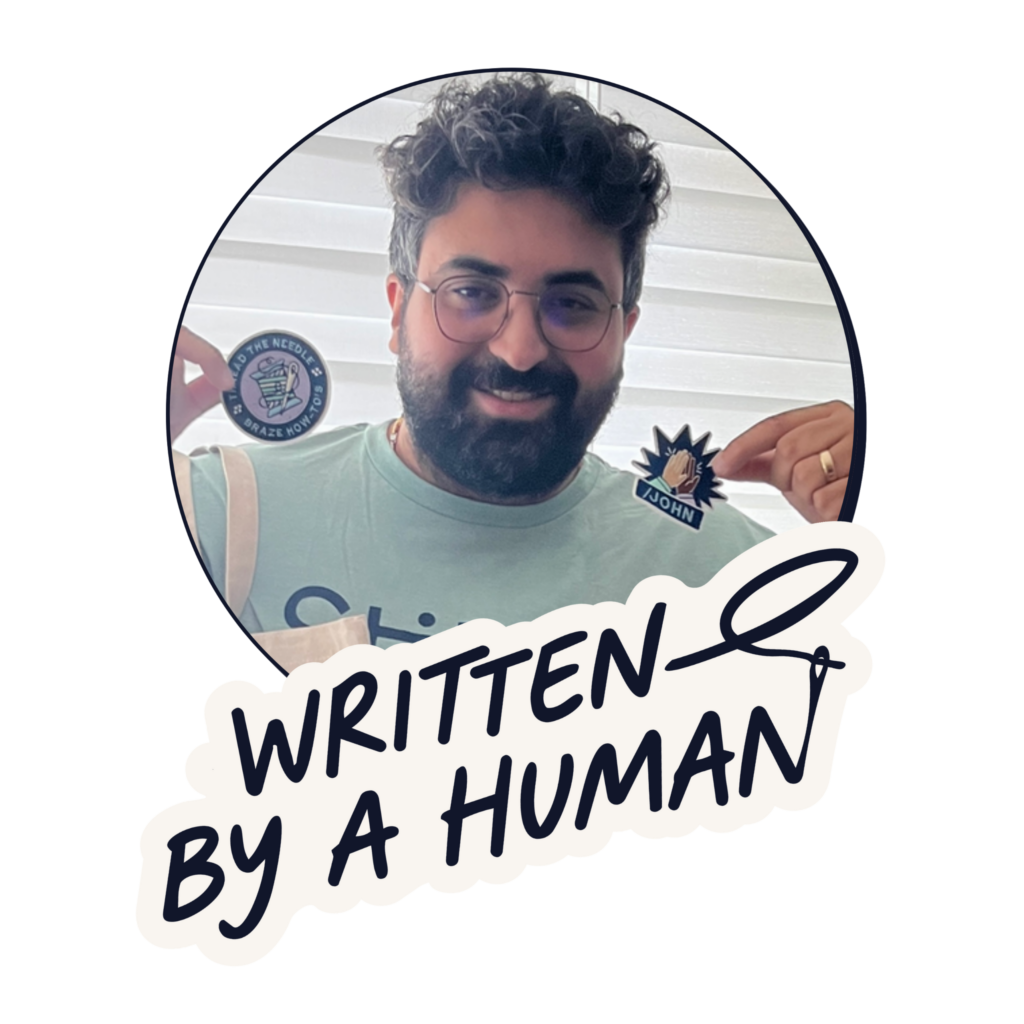
Ray El Khoury is an Associate Director and Solutions Architect at Stitch, where he leads Braze implementations and optimizations for enterprise clients. 7x Braze certified, Ray sits at the intersection of technical delivery and client relationship management, getting hands-on with complex integrations, debugging data pipelines, and configuring Braze canvases, while ensuring engagements run smoothly from staffing to strategic alignment. A fun fact about Ray: he was Stitch’s first employee in Canada. Connect with him on LinkedIn.